{{ 'fb_in_app_browser_popup.desc' | translate }} {{ 'fb_in_app_browser_popup.copy_link' | translate }}

{{ 'in_app_browser_popup.desc' | translate }}

Your Shopping Cart is empty.
{{ (item.variation.media ? item.variation.media.alt_translations : item.product.cover_media.alt_translations) | translateModel }} {{ (item.variation.media
                    ? item.variation.media.alt_translations
                    : item.product.cover_media.alt_translations) | translateModel
                }}
{{ 'product.bundled_products.label' | translate }}
{{ 'product.bundle_group_products.label' | translate }}
{{ 'product.buyandget.label' | translate }}
{{ 'product.gift.label' | translate }}
{{ 'product.addon_products.label' | translate }}
{{item.product.title_translations|translateModel}}
{{ field.name_translations | translateModel }}
  • {{ childProduct.title_translations | translateModel }}

    {{ getChildVariationShorthand(childProduct.child_variation) }}

{{ 'product.set.open_variation' | translate }}
  • {{ getSelectedItemDetail(selectedChildProduct, item).childProductName }} x {{ selectedChildProduct.quantity || 1 }}

    {{ getSelectedItemDetail(selectedChildProduct, item).childVariationName }}

{{item.variation.name}}
{{item.quantity}}x HK$0 {{ item.unit_point }} Point
{{addonItem.product.cover_media.alt_translations | translateModel}}
{{ 'product.addon_products.label' | translate }}
{{addonItem.product.title_translations|translateModel}}
{{addonItem.quantity}}x {{ mainConfig.merchantData.base_currency.alternate_symbol + "0" }}
How to Buy

Start Shopping

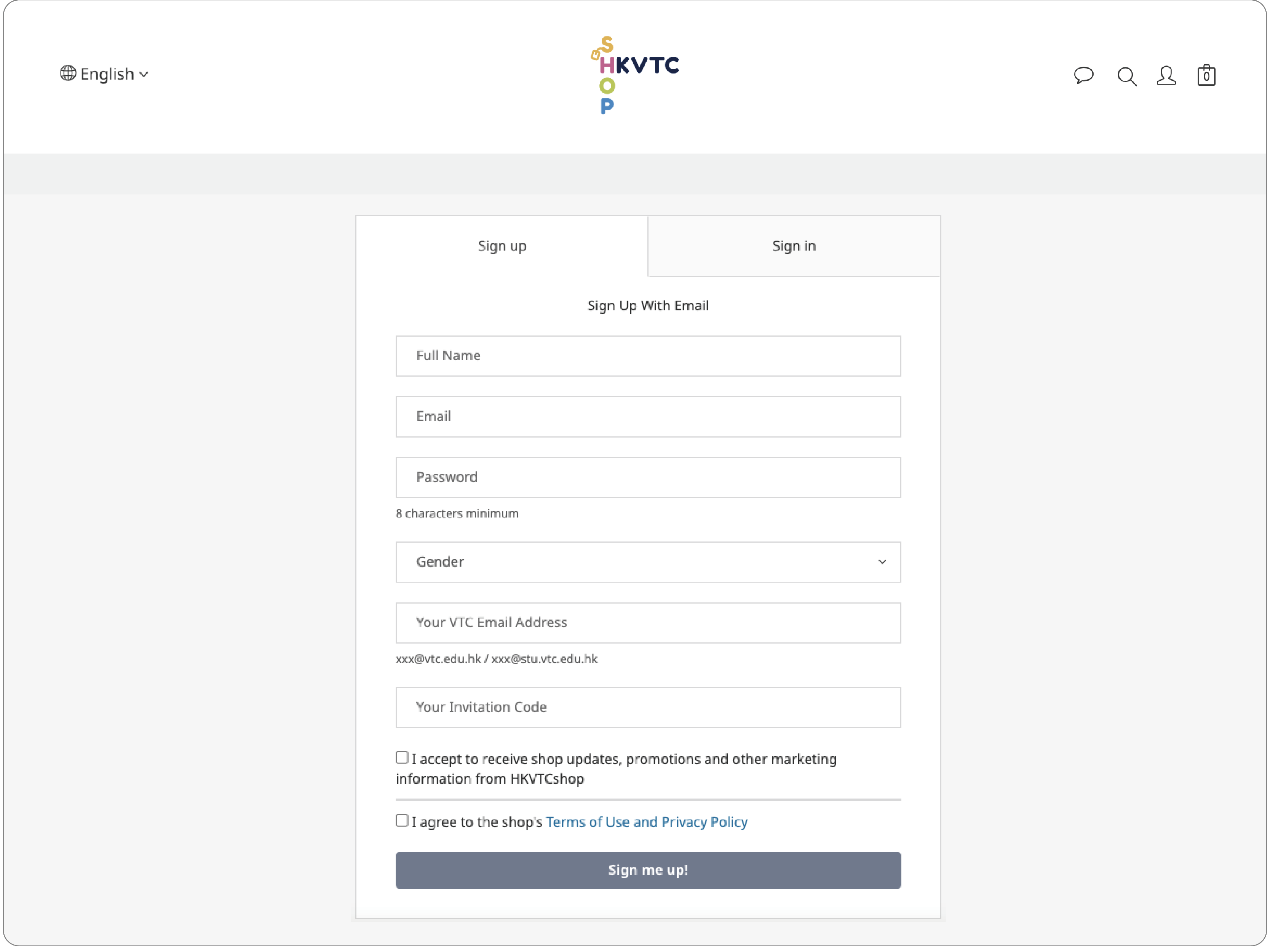
Before purchasing the products, you would like to register as a member of HKVTC Shop. Members can check the shopping records (Order No., Order Details, or Order Status)  at the “My Profile”.


1. Click "Member Profile" at the top right of the webpage to register.
2. Click "Sign Up" to register.
3. Fill in your Emai and please read the terms of service and privacy policy and agree.
4. Fill in your Username, Password (at least 8 characters), Mobile Phone and Identity.
5. Click the button “Sign me up!”

Shopping

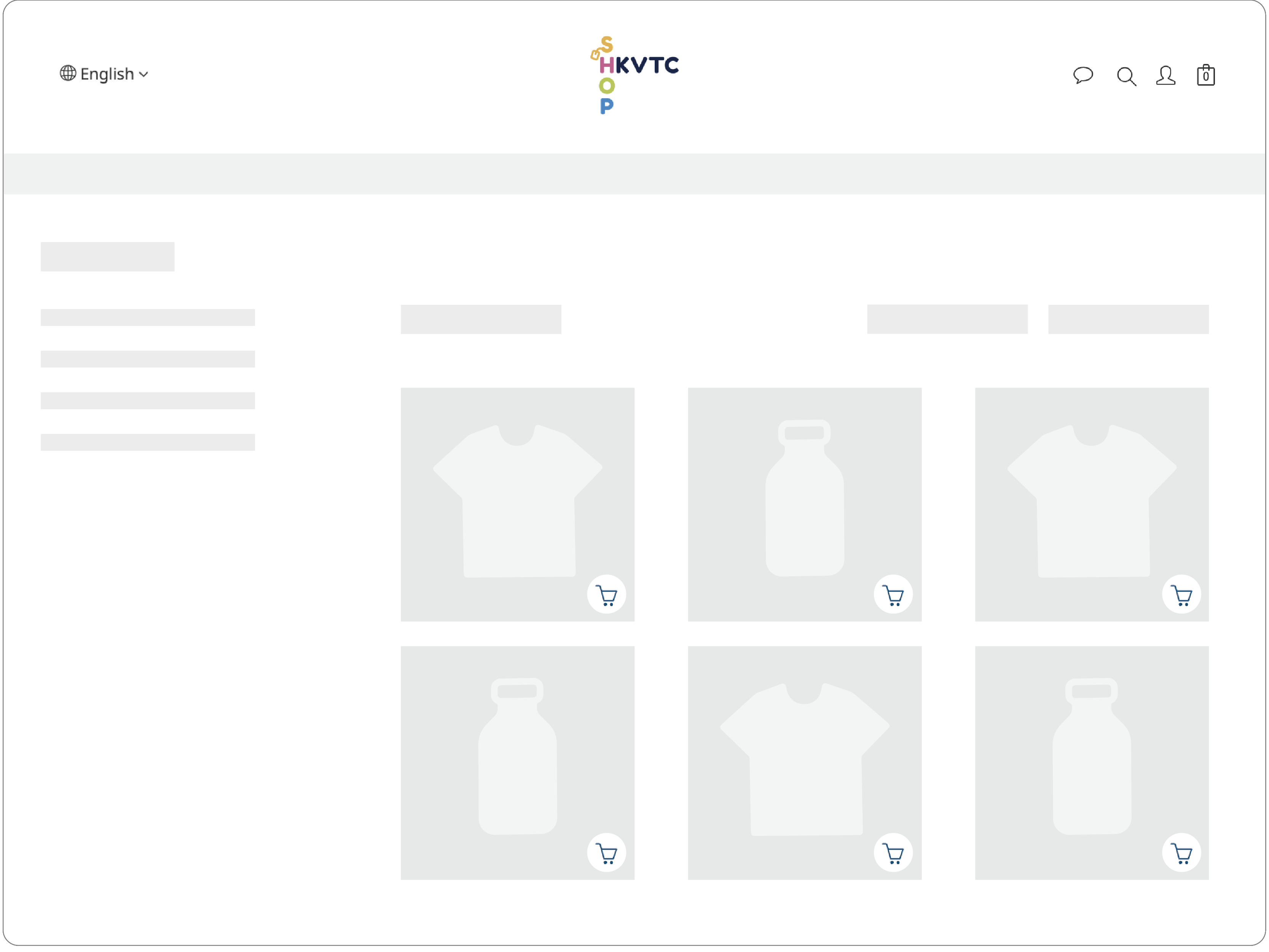
You can browse the online shop directly to choose the product you want or search for the products through the search function directly.

Check Out

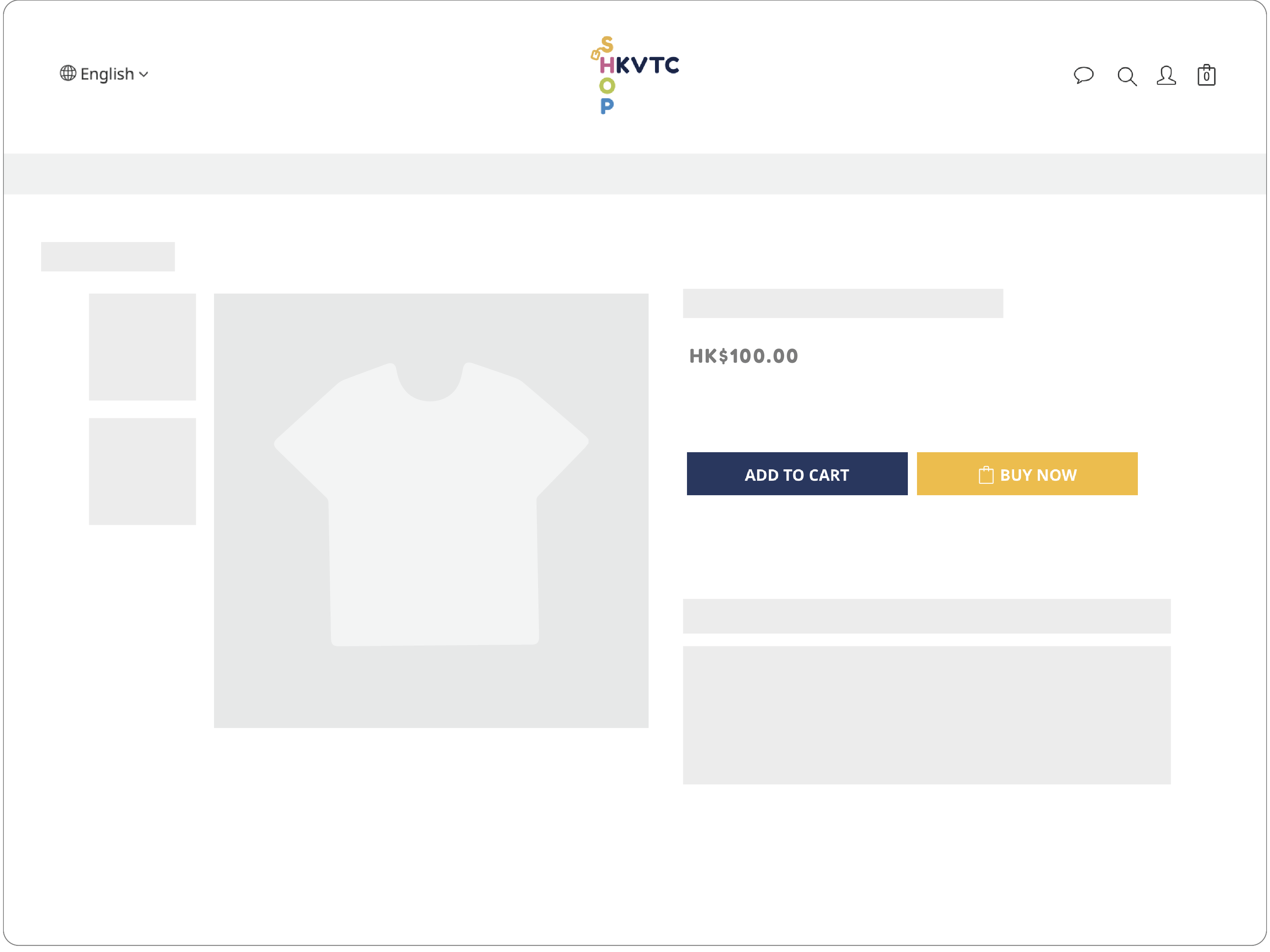
Select the items and click “Add to cart / Buy now”. After selecting all the products, click the “Shopping Cart” icon at the top right of the webpage and check out.


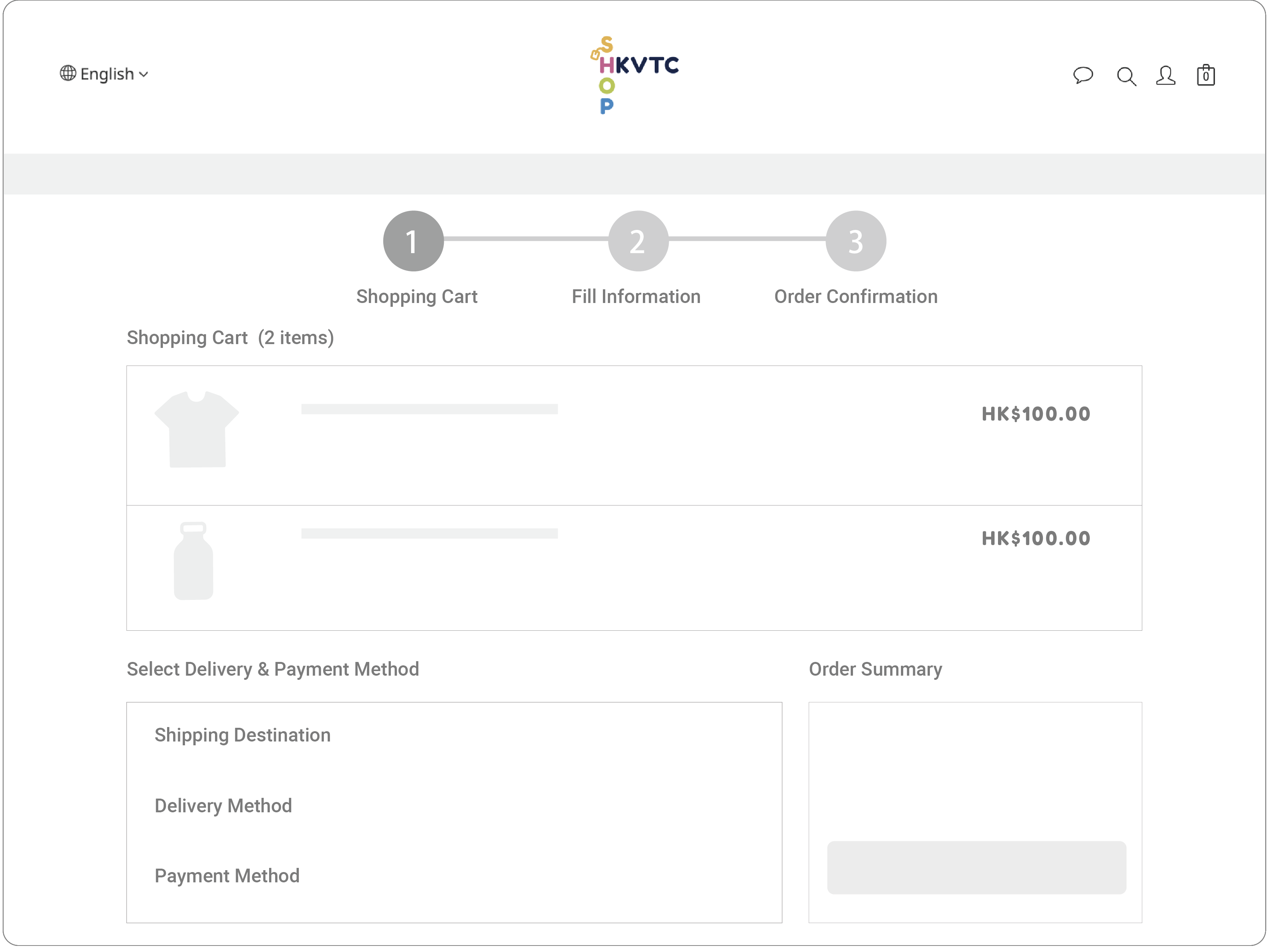
Select Delivery & Payment Method 

Please select the correct delivery address and delivery method, then choose the payment method.  Click "Proceed to Checkout" after confirmation.


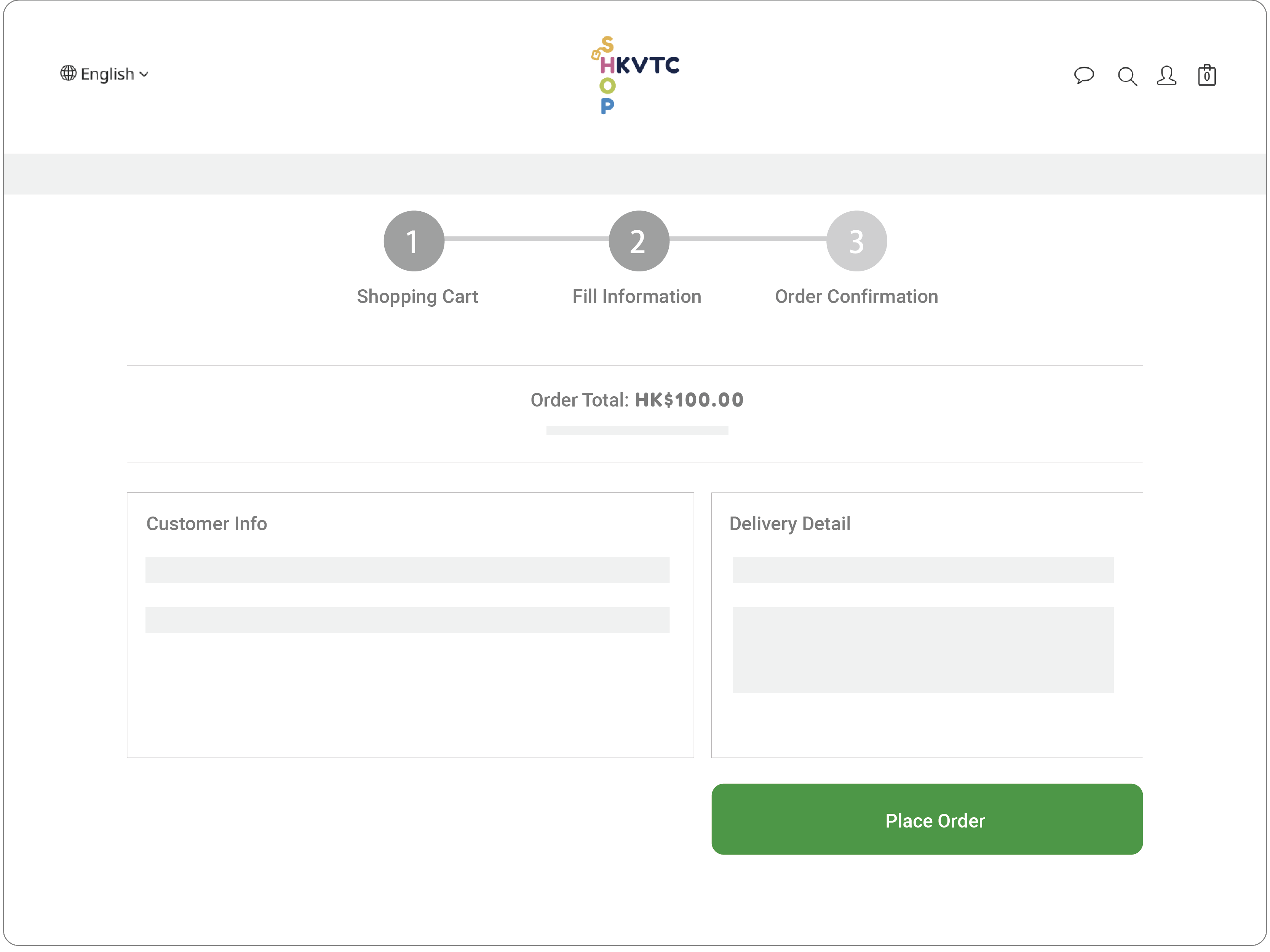
Place Order

Fill in the correct and detailed customer info and delivery detail (including the recipient name, contact number and address), and click "Place Order" after confirmation.


Order Confirmed

The order will be confirmed after the payment is completed. You will receive a confirmation order letter by email. Also, you can check the order status from your "Member Profile".
 

Order Handling Time: Please allow 1-2 business days for order processing upon confirmation. Orders will be dispatched to the logistics service provider after this processing period. Please note that Saturdays, Sundays, and public holidays are not included as business days.

Local Delivery Time: Local deliveries are conducted by SF Express and typically require 1-2 working days. Deliveries occur on weekdays only, excluding Saturdays, Sundays, and public holidays.